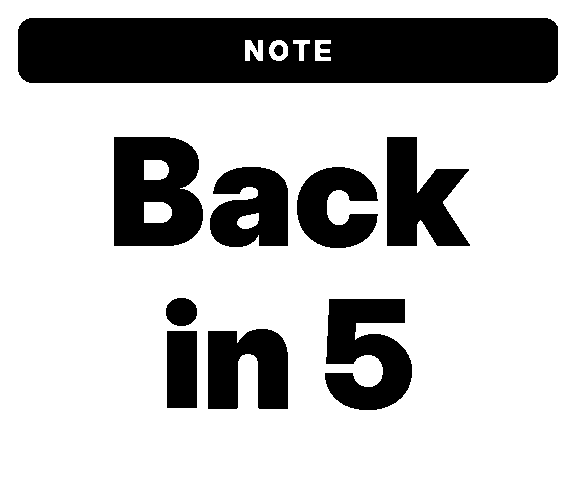
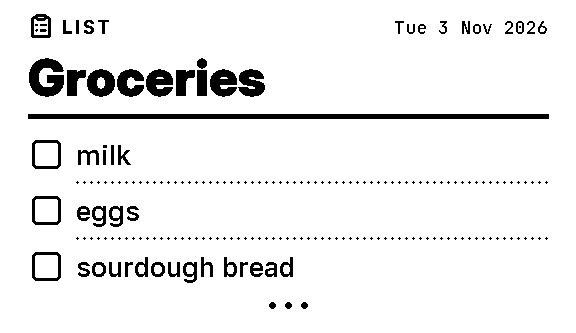
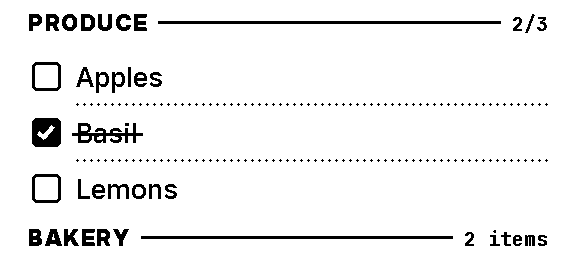
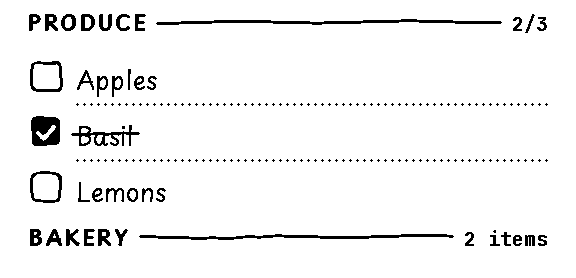
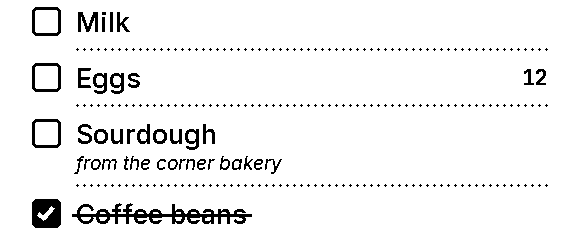
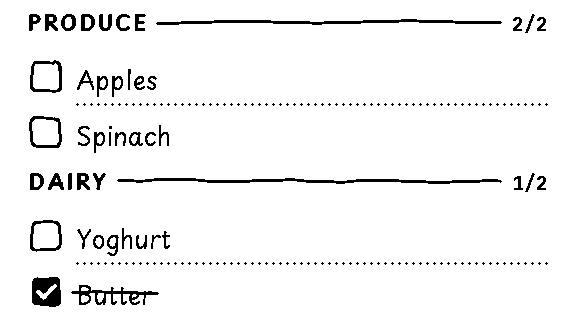
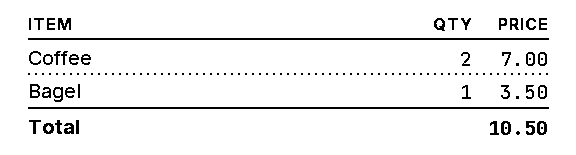
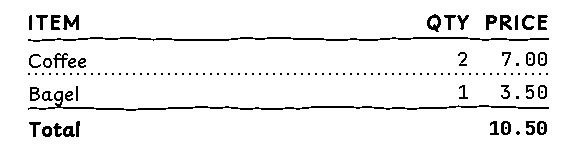
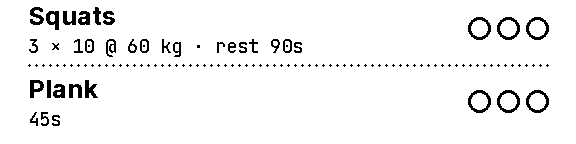
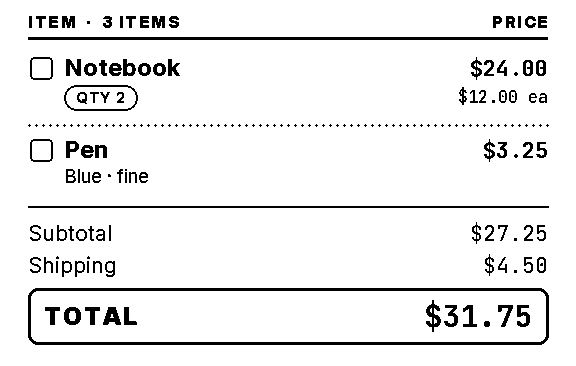
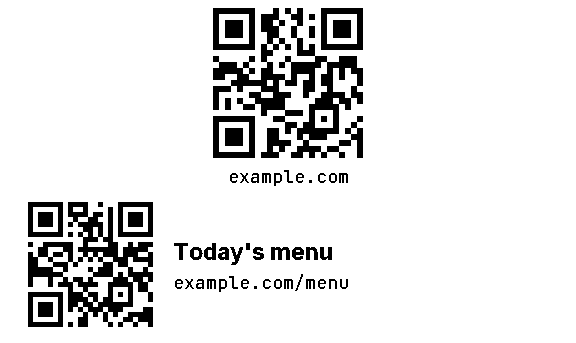
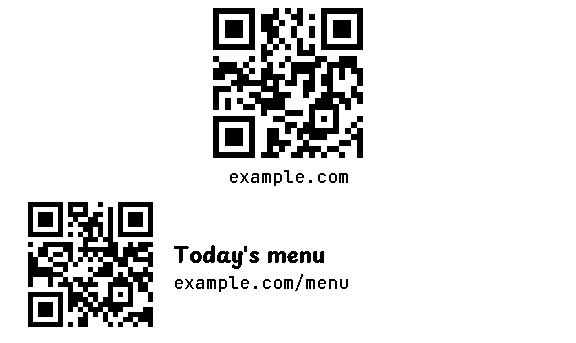
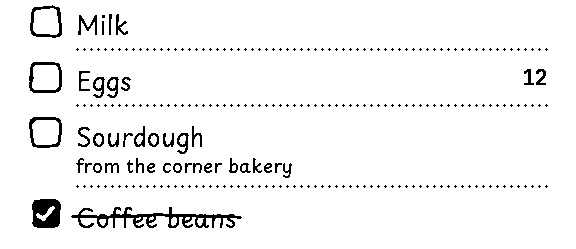
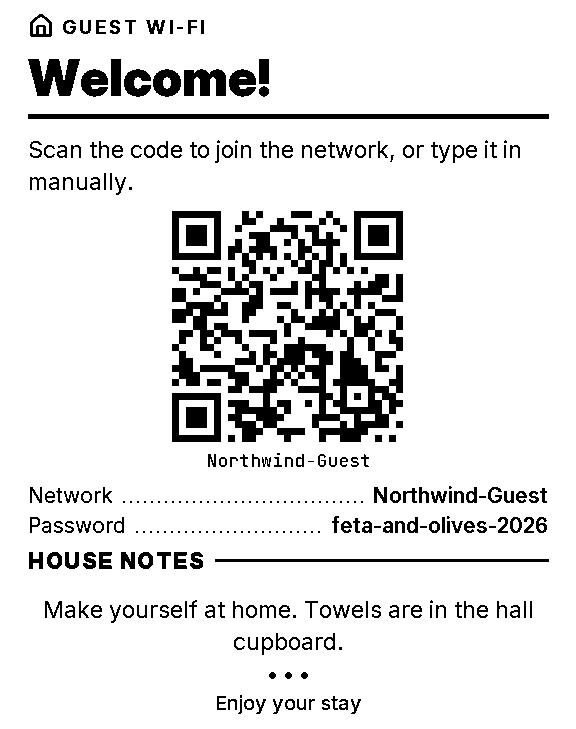
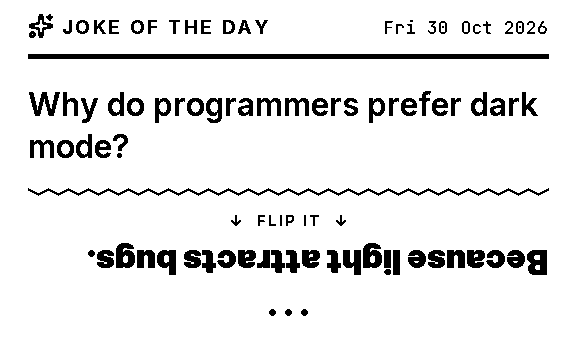
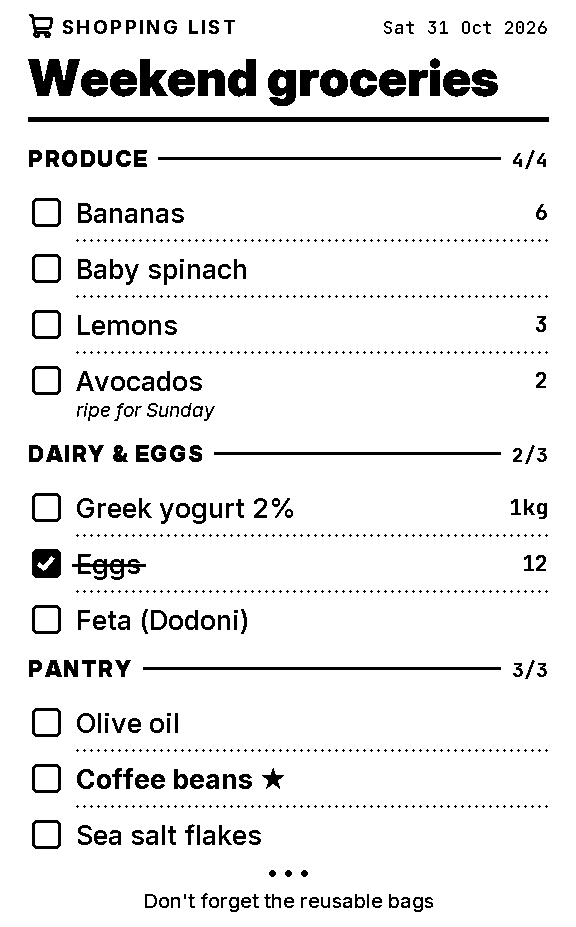
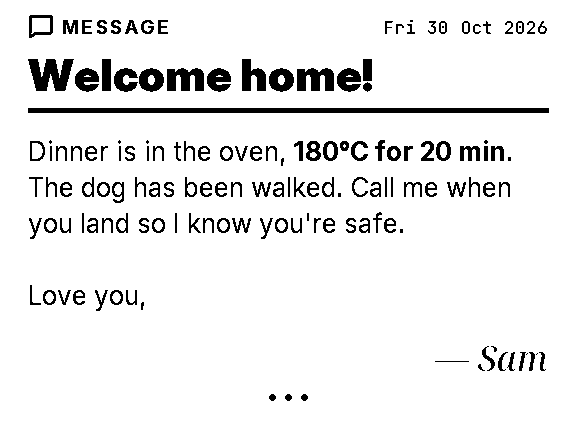
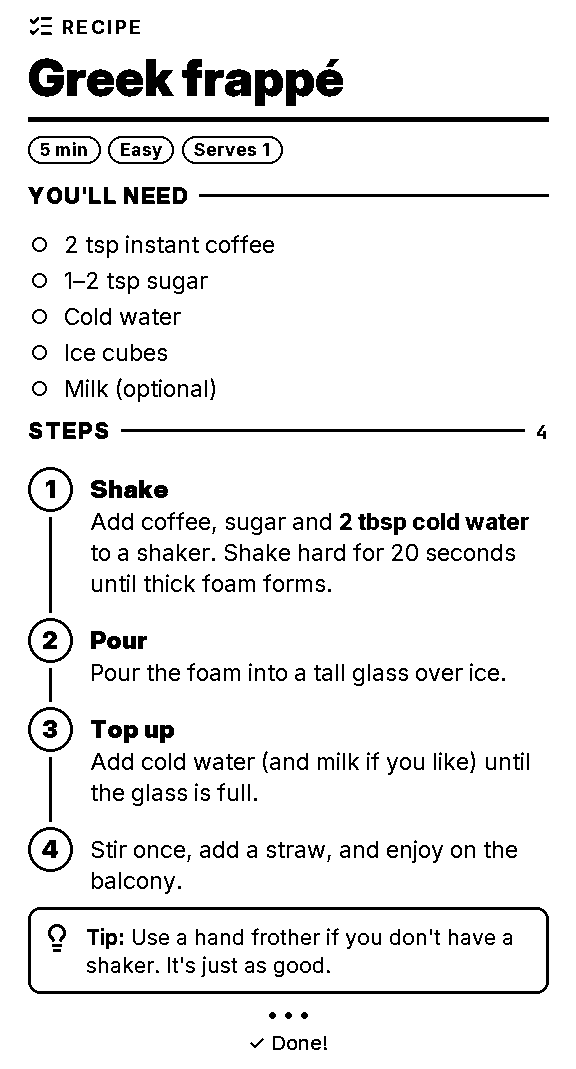
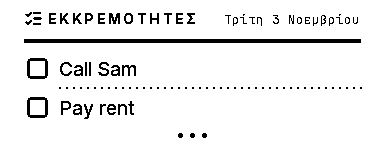
Spooligan prints short stacks of blocks on 80 mm or 58 mm thermal receipt paper. People type short commands; scripts and agents send whole documents in YAML or JSON. Both go through one engine, so spooligan list milk eggs and a YAML list print the same receipt.
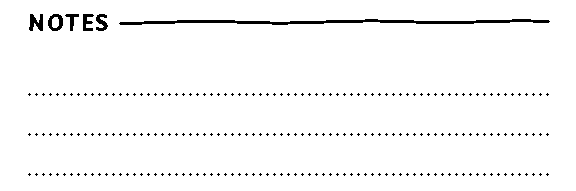
Built-in templates as commands: note, list, todo, qr and more.
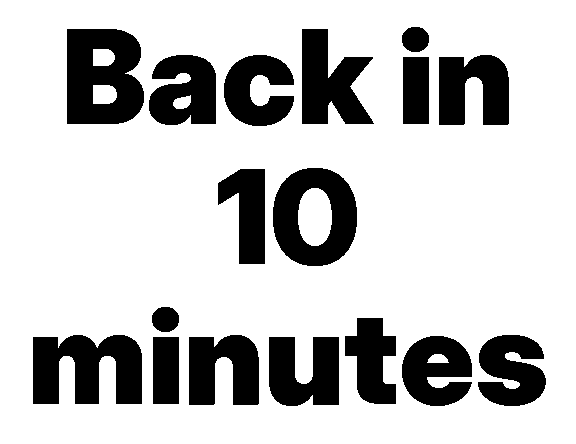
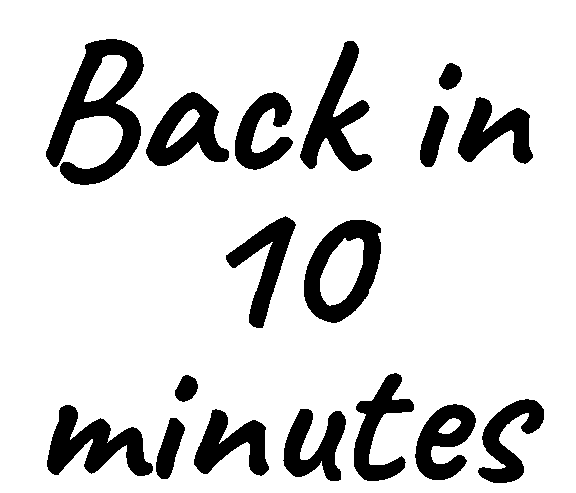
spooligannote"Back in 5"--alert
2
Documents
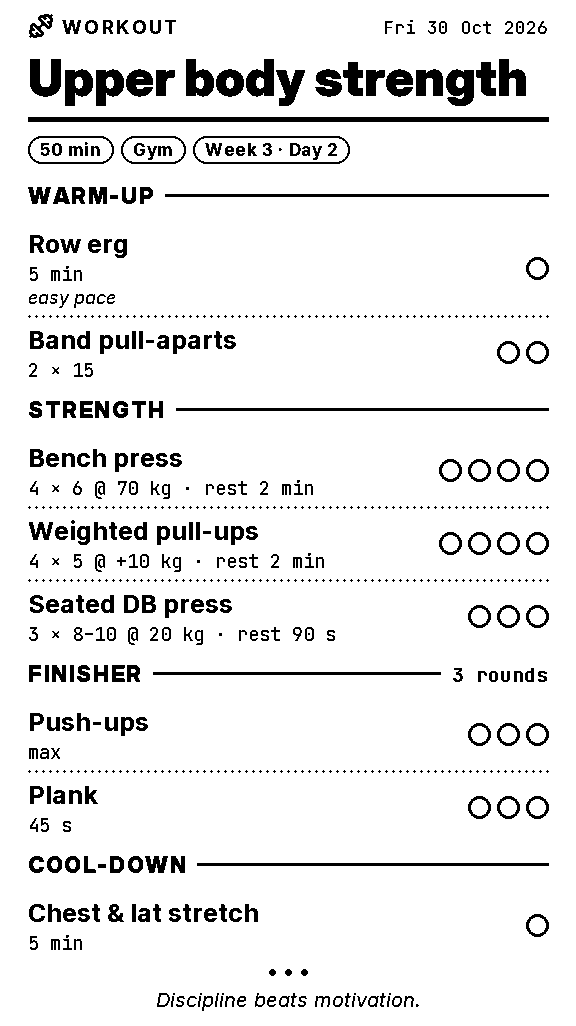
A YAML or JSON file: a version, a few settings and a list of blocks.
spooliganprintday.yaml
3
Templates
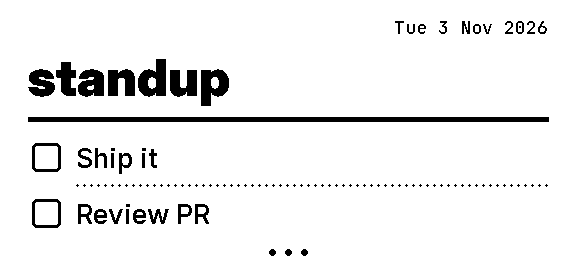
Your own YAML templates with {{params}}, and x- blocks made of blocks.
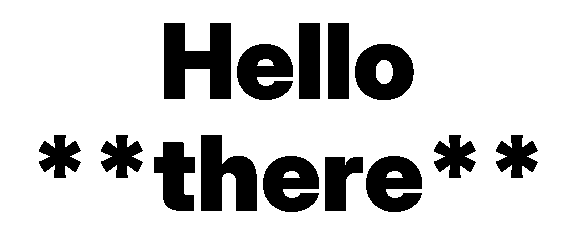
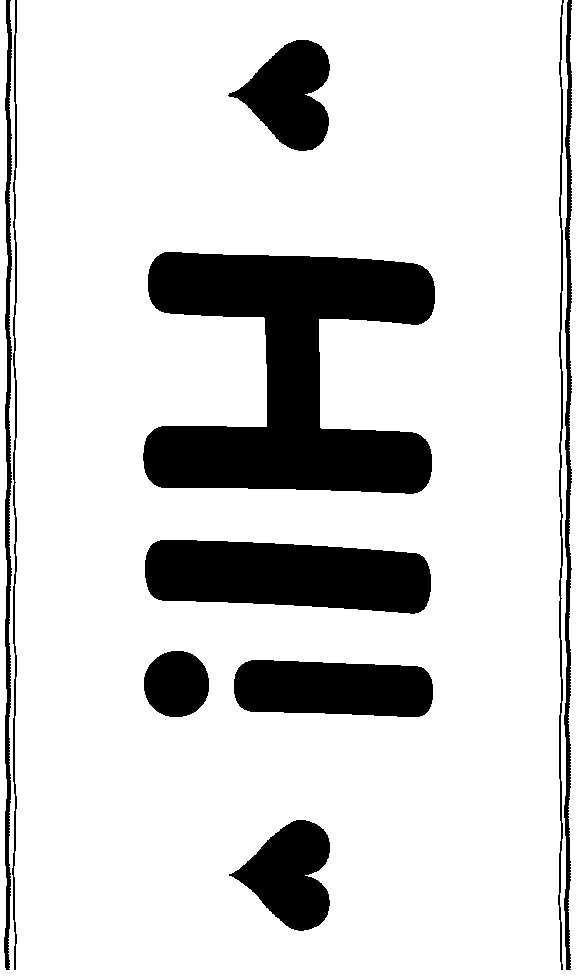
spooliganstandup"Ship it"
Step one
Getting started
Install it
Spooligan is a single program, the spooligan command, with nothing else to install. On a Mac, download and open Spooligan.pkg (macOS 13 or later, Apple silicon and Intel): it adds the signed, notarized command to /usr/local/bin. On Linux, or in a Mac terminal, run:
curl-fsSLhttps://spooligan.ai/install.sh|sh
It picks the build for your computer, checks it against the published checksums and puts it in /usr/local/bin, or in ~/.local/bin when it can't write there. The guide for AI agents is built in, so tell your AI to run spooligan agents.
Say hello
spooligan hello prints a welcome page with the mascot, today's date and where to go next. Every command prints on your default printer, unless you add -o:
-o FILE.png writes the receipt as a 1-bit picture, exactly what the printer would get.
-o FILE.bin writes the ESC/POS bytes.
-n (--dry-run) renders and lints, and writes nothing.
$spooliganhello-ohello.png
wrote hello.png (576×753 dots, 94 mm long)
$spooliganprintday.yaml-n
ok: day renders (576×515 dots, 64 mm long)
Note Every command in this manual ran when it was generated, in a fresh home and project folder whose printer is a file. The output shown is what it printed.
Shortcuts
The built-in templates double as commands. Bare words fill the main param; --title, key=value and flags like --alert set the rest. Plain text on stdin works too.
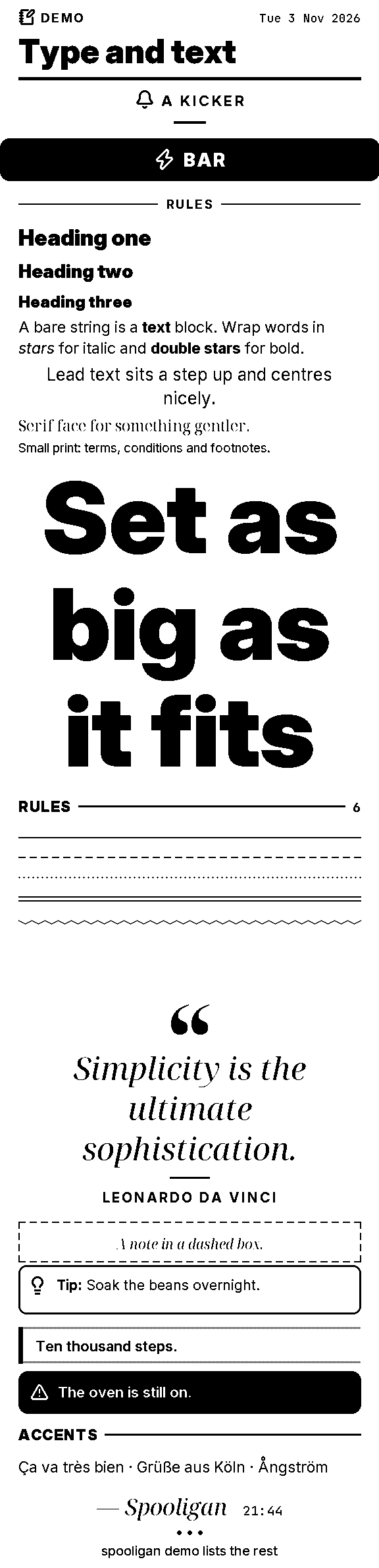
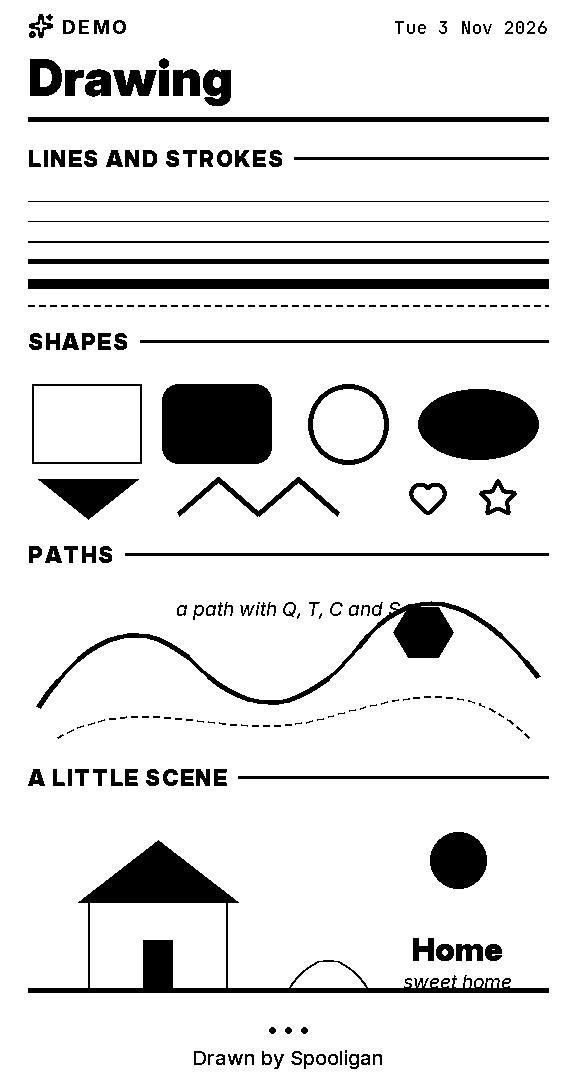
spooligan demo lists seven demos that, between them, use every block. spooligan demo all -o DIR writes one picture per demo.
$spooligandemo
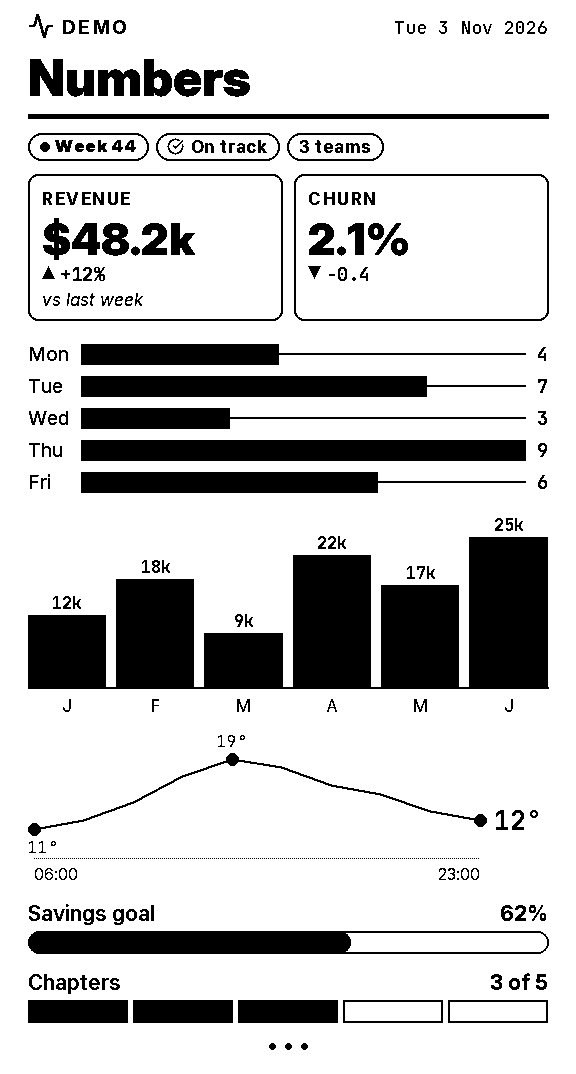
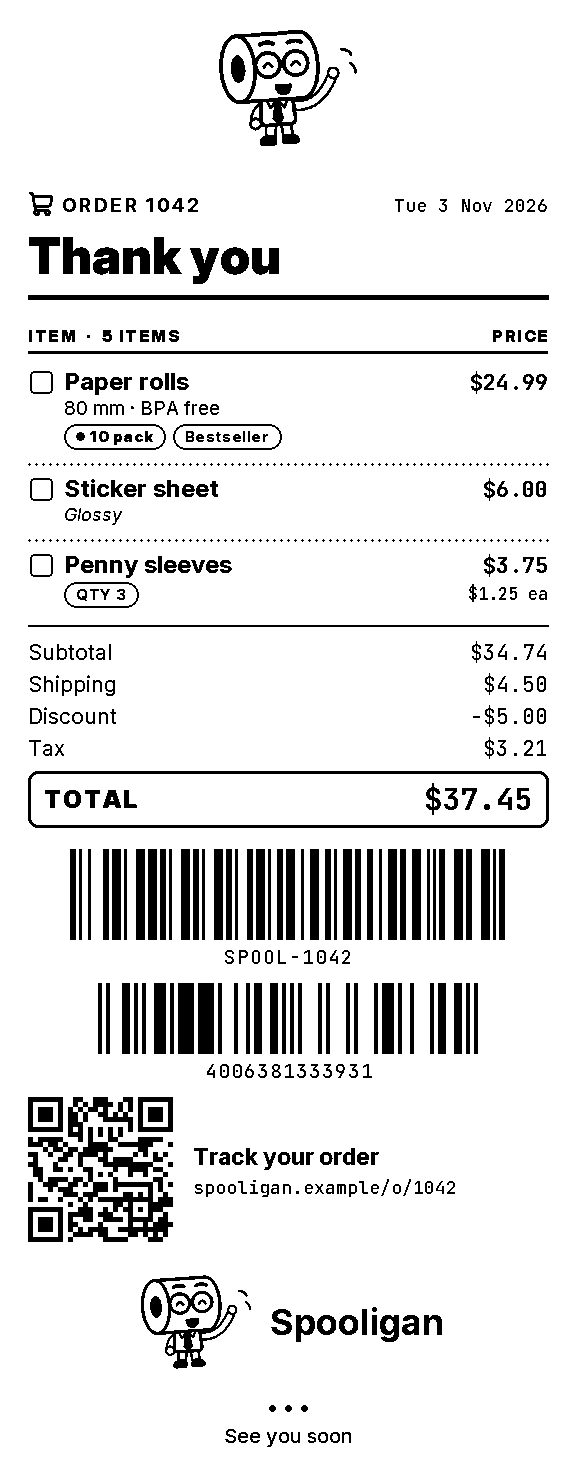
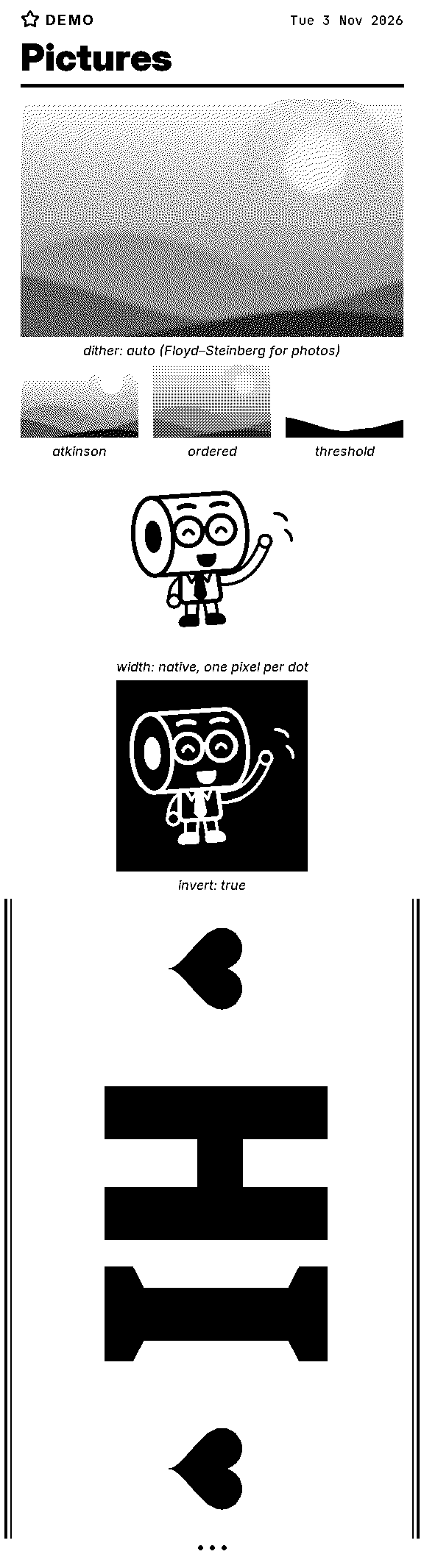
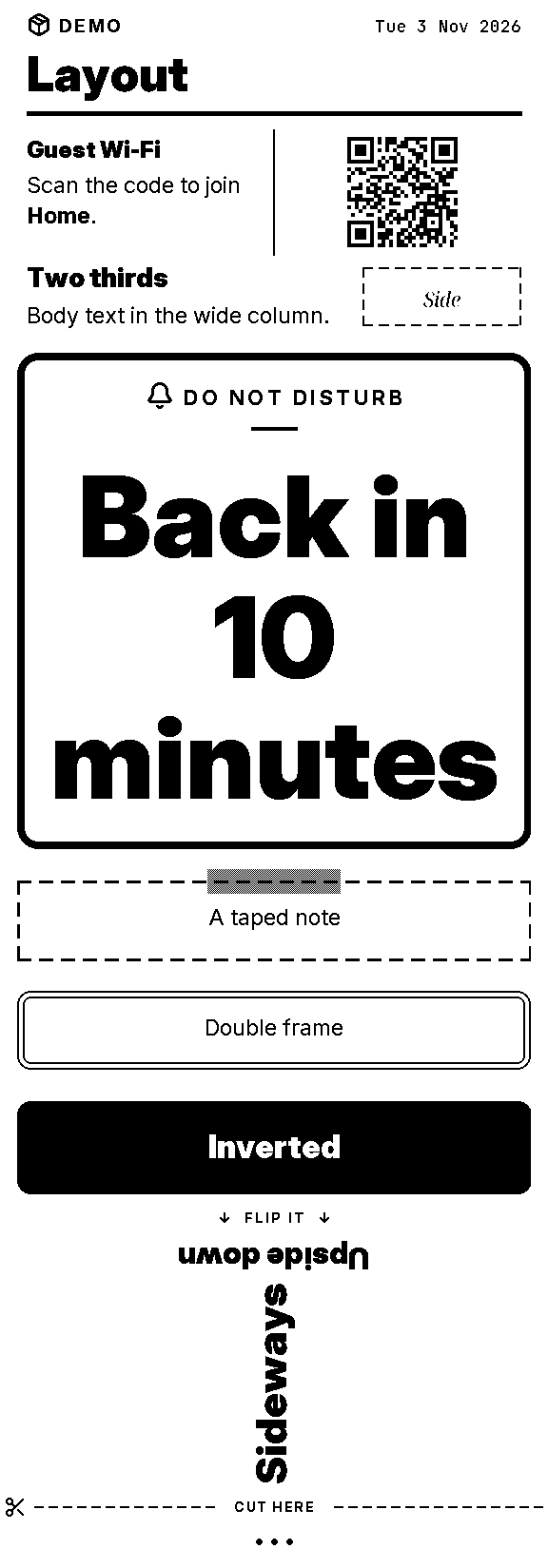
text Type and textlists Lists and tablesdata Numbers and chartsshop Receipts and codespictures Pictureslayout Layoutdraw Drawingspooligan demo NAME prints one (-o FILE.png to look first); spooligan demo all -o DIR writes them all.
$spooligandemoall-odemos
wrote demos/text.png (576×2381 dots, 298 mm long)wrote demos/lists.png (576×2186 dots, 273 mm long)wrote demos/data.png (576×1074 dots, 134 mm long)wrote demos/shop.png (576×1462 dots, 183 mm long)wrote demos/pictures.png (576×2132 dots, 266 mm long)wrote demos/layout.png (576×1649 dots, 206 mm long)wrote demos/draw.png (576×1084 dots, 136 mm long)
Type and textspooligan demo textLists and tablesspooligan demo listsNumbers and chartsspooligan demo dataReceipts and codesspooligan demo shopPicturesspooligan demo picturesLayoutspooligan demo layoutDrawingspooligan demo draw
The format
Documents
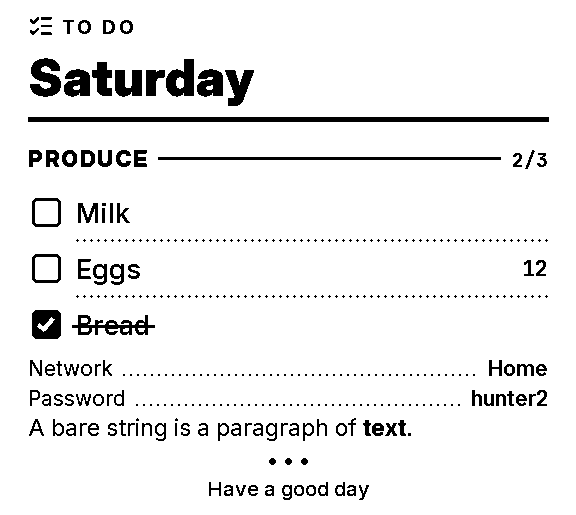
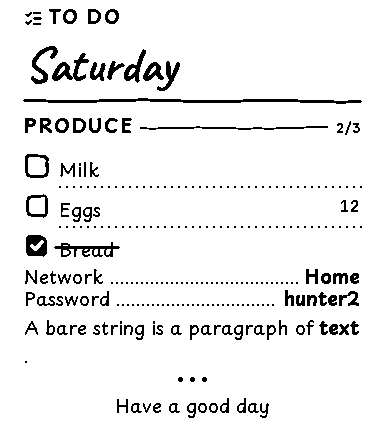
A document is YAML or JSON: version: 1, optional settings (style, lang, paper, brand, seed, tune, labels) and a list of blocks. A bare string in the list is a paragraph.
day.yaml
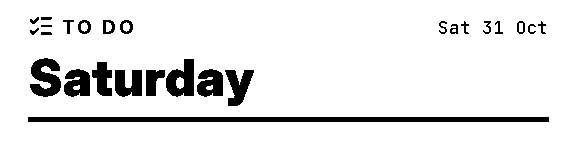
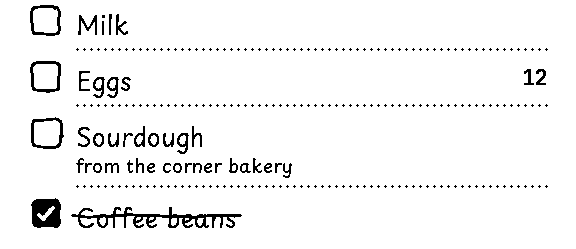
version:1lang:en # labels and datespaper:80 # or 58blocks:-{type:header,icon:list-checks,kicker:"@todo",title:Saturday}-{type:section,text:Produce,count:auto}-type:checklistitems:[Milk,{text:Eggs,qty:12},{text:Bread,done:true}]-{type:kv,rows:{Network:Home,Password:hunter2}}-A bare string is a paragraph of **text**.-{type:end,text:Have a good day}
$spooliganprintday.yaml-oday.png
wrote day.png (576×515 dots, 64 mm long)
Text fields take **bold** and *italic*. @key prints a label from the locale (@todo, @cut_here) or the document's labels:. {today}, {today:long}, {time} and {date:+1d} print dates in the document's language.
Validate
Mistakes come back all at once, each with its path, line and a hint. --json gives agents the same.
bad.yaml: invalid blocks[0].type: unknown block type "heding" (did you mean heading?) [line 3] blocks[1].items[1].txt: unknown field (did you mean text?) [line 5] blocks[1].items[1].text: required [line 5] blocks[2].size: "huge" isn't a size (use xs, s, m, lead, l, xl, xxl or a number of dots) [line 6]
exit 2
$spooliganvalidatebad.yaml--json|head-12
{ "ok": false, "results": [ { "checked": "document", "errors": [ { "hint": "did you mean heading?", "line": 3, "message": "unknown block type \"heding\"", "path": "blocks[0].type" },
exit 2
Editors and agents can check documents against the JSON Schema.
$spooliganschema>spooligan-v1.schema.json
Fields every block takes
Field
Type
What it does
id
text
A name for this block, used in error messages and warnings. It also seeds hand-drawn strokes, so they stay put when the block moves.
align
left · center · right
Horizontal alignment where the block supports it.
space
text
Extra space before the block: xs, s, m, l, xl or dots.
upper
boolean
Print the text in capitals (Greek capitals drop their accents).
face
auto · sans · serif · mono · condensed · hand
Typeface family for this block and its children; auto (the default) inherits.
if
any
Template condition. A false or empty value drops the block.
Side by side
Anatomy of a receipt
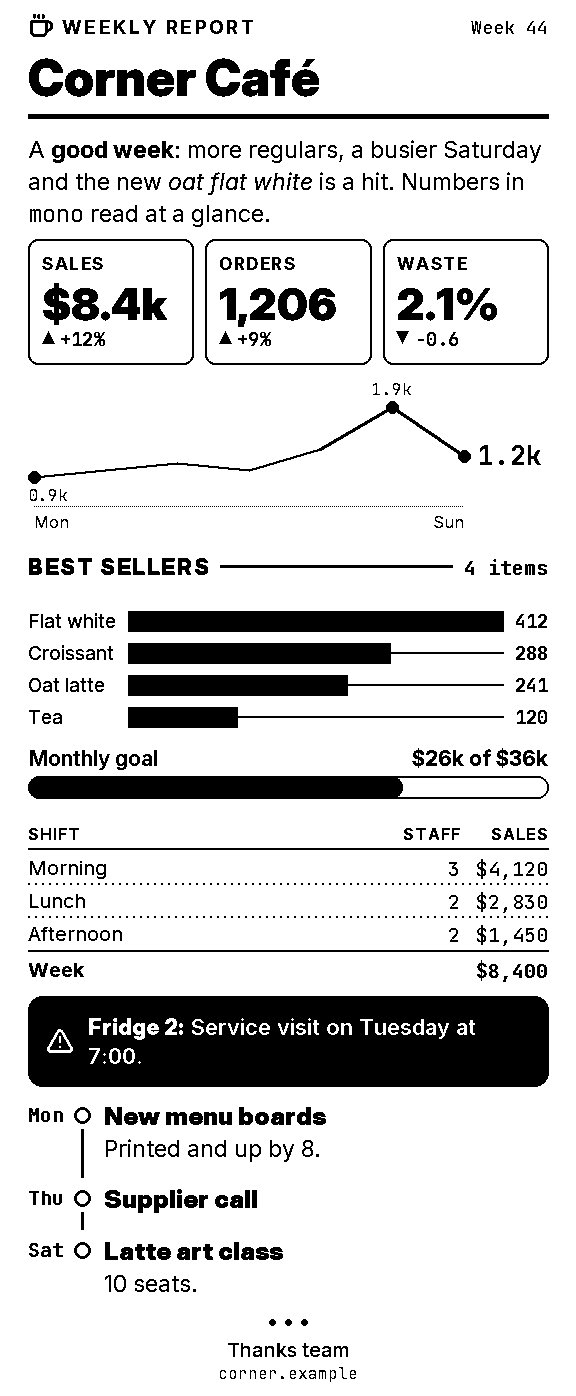
One document, rendered by the real binary. Each note sits beside the rows its block printed, measured by the renderer, with the YAML that made it. Hover or tap a note to match it to its rows.
The whole document
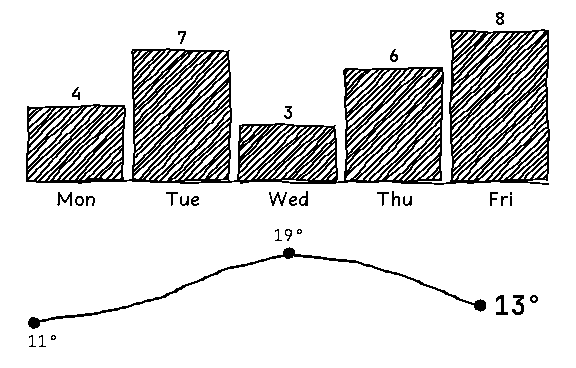
# The document the manual's "Anatomy of a receipt" section renders and annotates, block by block.version:1blocks:-{type:header,icon:coffee,kicker:Weekly report,meta:"Week 44",title:Corner Café}-"A **good week**: more regulars, a busier Saturday and the new *oat flat white* is a hit. Numbers in `mono` read at a glance."-type:metricitems:-{label:Sales,value:$8.4k,delta:+12%}-{label:Orders,value:"1,206",delta:+9%}-{label:Waste,value:2.1%,delta:−0.6}-{type:chart,kind:sparkline,unit:k,data:[{label:Mon,value:0.9},1.0,1.1,1.0,1.3,{label:Sat,value:1.9},{label:Sun,value:1.2}]}-{type:section,text:Best sellers,count:4 items}-{type:chart,data:[{label:Flat white,value:412},{label:Croissant,value:288},{label:Oat latte,value:241},{label:Tea,value:120}]}-{type:progress,label:Monthly goal,value:72,text:$26k of $36k}-type:tablecolumns:[Shift,Staff,Sales]rows:-[Morning,3,"$4,120"]-[Lunch,2,"$2,830"]-[Afternoon,2,"$1,450"]total:[Week,"","$8,400"]-{type:callout,tone:alert,title:Fridge 2,text:Service visit on Tuesday at 7:00.}-type:timelinemarker:timeitems:-{time:"Mon",title:New menu boards,text:Printed and up by 8.}-{time:"Thu",title:Supplier call}-{time:"Sat",title:Latte art class,text:10 seats.}-{type:end,text:Thanks team,small:corner.example}
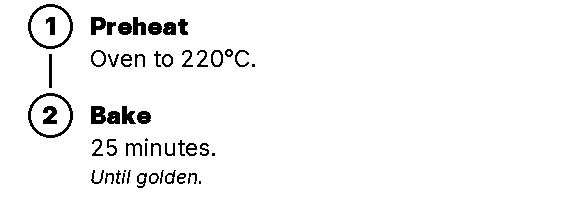
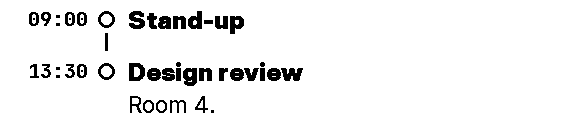
Numbered steps or timed events joined by a line, each with a title, text and note.
-type:timelinemarker:timeitems:-time:"Mon"title:New menu boardstext:Printed and up by 8.-{time:"Thu",title:Supplier call}-{time:"Sat",title:Latte art class,text:10 seats.}
Numbered steps or timed events joined by a line, each with a title, text and note.
-type:timelinemarker:timeitems:-time:"Mon"title:New menu boardstext:Printed and up by 8.-{time:"Thu",title:Supplier call}-{time:"Sat",title:Latte art class,text:10 seats.}
The bottom of a receipt: three dots and an optional line of text.
-{type:end,text:Thanks team,small:corner.example}
Reference
Blocks
All 34 block types. Each example is the YAML on the left and what the binary printed for exactly that YAML on the right, at one printer dot per pixel. spooligan blocks TYPE shows the same fields in the terminal.
A small-caps label with an optional icon: mark (a short bar under it), bar (inverted full width), rules or plain.
The four styles
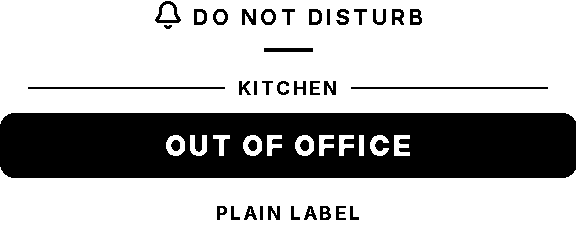
-type:kickertext:Do not disturbicon:bell-type:kickertext:Kitchenicon:utensilsstyle:rules-type:kickertext:Out of officestyle:bar-type:kickertext:Plain labelstyle:plain
Lint warning
blocks[1]: no icon "utensils"; leaving it out (run `spooligan icons` for the list)
576 × 246 dots576 × 248 dots · 80 mm · tap to zoom
Fields 3
Field
Type
Default
What it does
textrequired
text
—
The label.
icon
text
—
Icon name.
style
mark · bar · rules · plain
mark
mark: a short bar under it; bar: inverted full width; rules: lines either side; plain: text only.
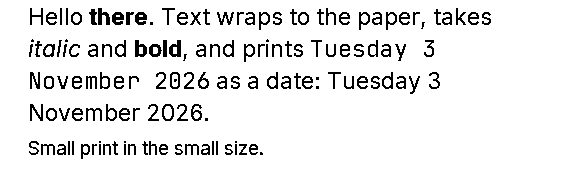
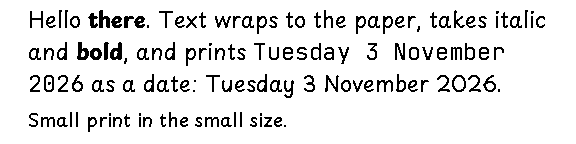
-type:texttext:"Hello **there**. Text wraps to the paper, takes *italic* and **bold**, and prints `{today:long}` as a date: {today:long}."-type:texttext:Small print in the small size.size:s
576 × 174 dots576 × 144 dots · 80 mm · tap to zoom
A bare string is a paragraph
-The shortest block is just a string. It prints as **text**.
576 × 78 dots576 × 78 dots · 80 mm · tap to zoom
Fields 4
Field
Type
Default
What it does
textrequired
text
—
The words. **bold** and *italic* work; @key prints a label.
size
text
m
A step (xs, s, m, lead, l, xl, xxl) or dots.
weight
regular · medium · semibold · bold · black · italic
Free drawing: lines, polylines, polygons, rectangles, circles, ellipses, SVG-style paths, text and icons in a box. Coordinates are dots at 80 mm, or units of view: [w, h] stretched to the width. The handwritten style (or face: hand) draws it with a pen wobble.
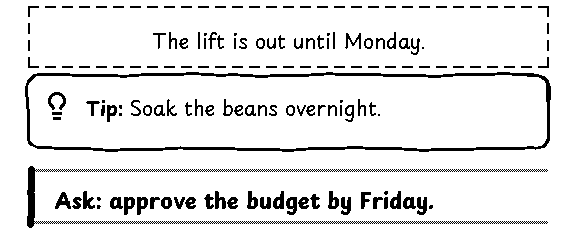
A boxed aside: note (dashed, serif), tip (rounded, bulb), goal (side bar) or alert (inverted).
Note, tip and goal
-type:callouttext:The lift is out until Monday.-type:callouttone:tiptext:Soak the beans overnight.-type:callouttone:goaltext:"**Ask:** approve the budget by Friday."
576 × 235 dots576 × 238 dots · 80 mm · tap to zoom
Alert
-type:callouttone:alerttitle:Do not disturbtext:Recording in progress.
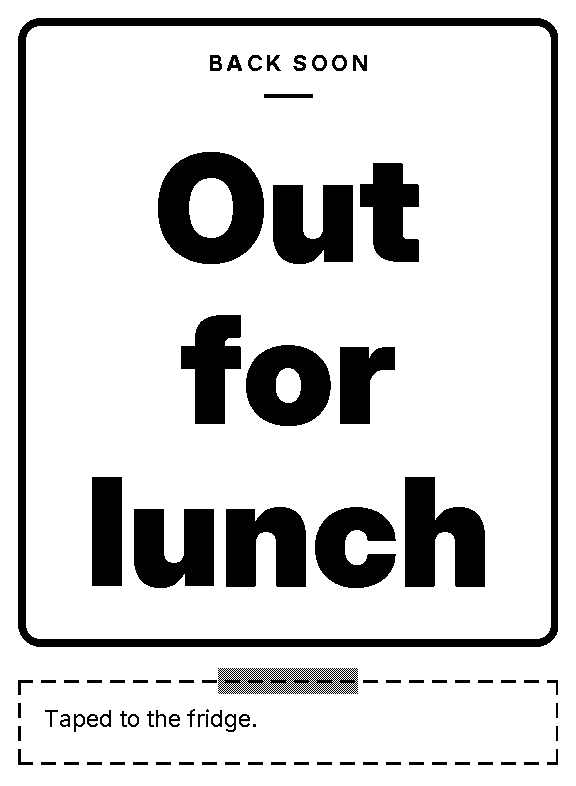
A border around blocks: door (thick rounded), tape (dashed with tape), double, dashed, inverted or none.
Door and tape frames
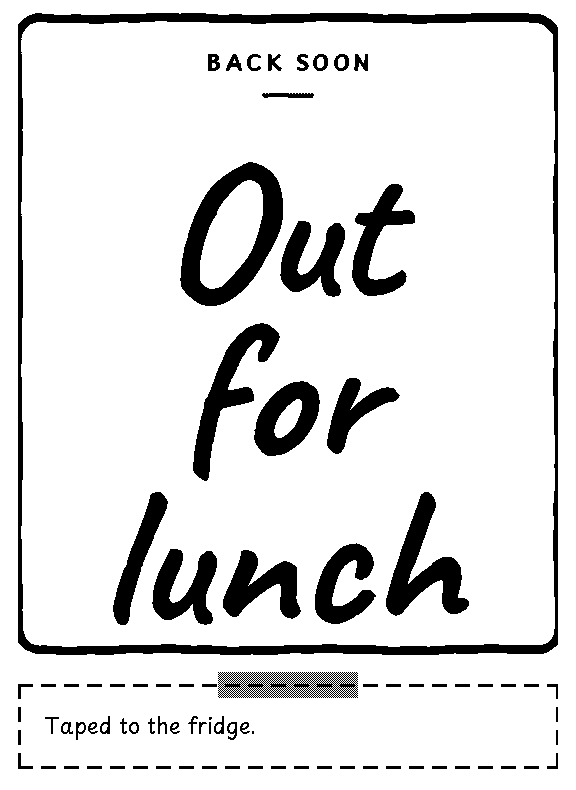
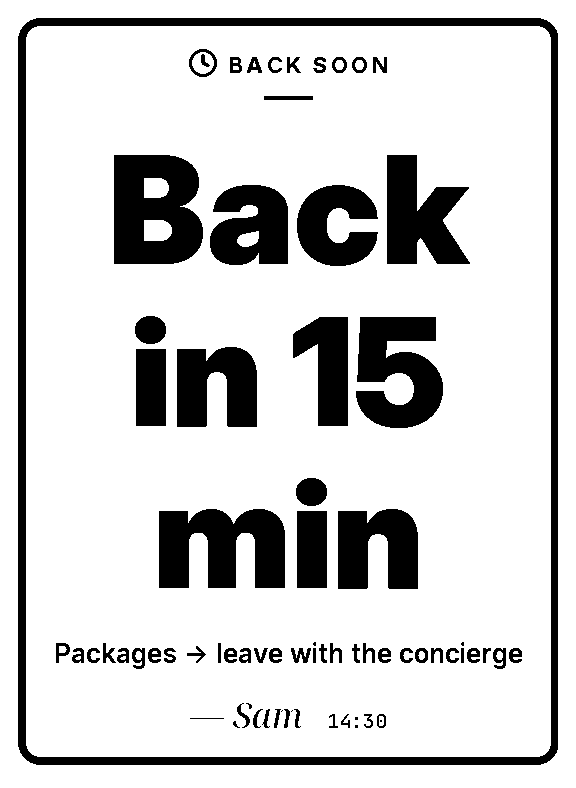
-type:framestyle:doorblocks:-{type:kicker,text:Back soon}-{type:fit,text:Out for lunch}-type:framestyle:tapeblocks:[{type:text,text:Taped to the fridge.}]
576 × 786 dots576 × 790 dots · 80 mm · tap to zoom
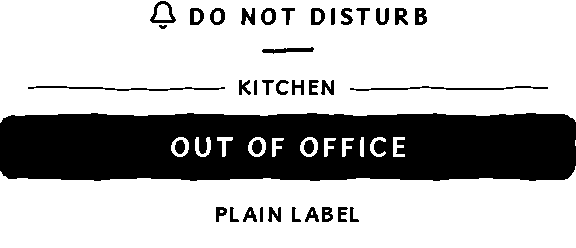
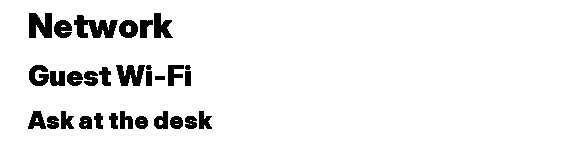
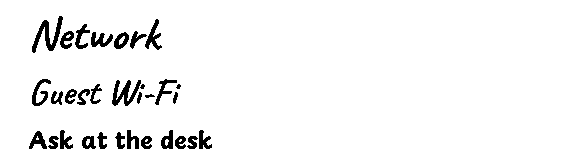
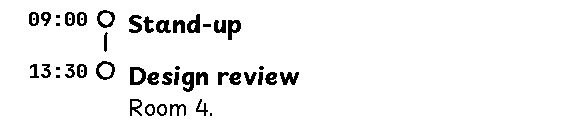
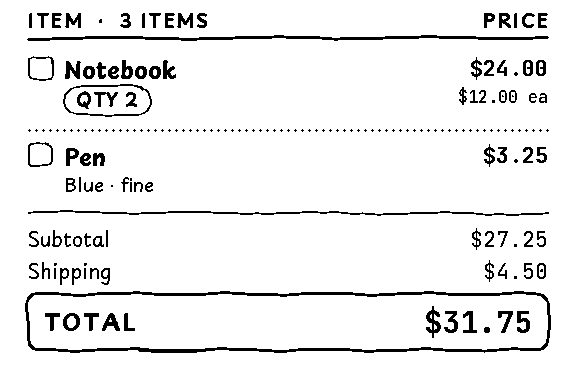
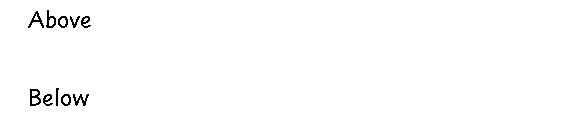
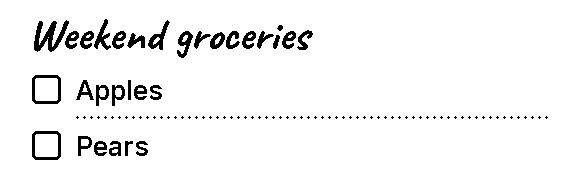
modern is clean sans serif. handwritten writes in Playpen Sans and Caveat and draws every rule, box, checkbox and frame with a light wobble, as if by pen. Codes, prices and other mono text stay in JetBrains Mono. Set style: in the document or -s on the command line.
$spooliganstyles
modern sans serif display, the defaulthandwritten Playpen Sans and Caveat, pen-drawn rules and boxes (alias hand)
Another hand
The wobble is seeded by the document's seed and each block's path, so a preview and a print match dot for dot, and editing one block leaves the others' lines alone. --seed picks another hand.
--seed 1--seed 2
58 mm paper
--paper 58 prints 384 dots across instead of 576. Sizes scale by two thirds, and layouts adapt: stat cards wrap, a header's date drops below a long kicker, and QR codes keep 3-dot modules so they scan.
--paper 58 --style handwrittenface: hand in modern
Legibility settings
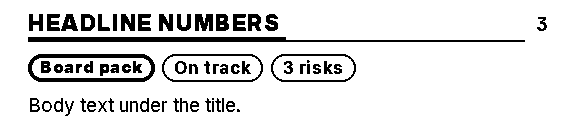
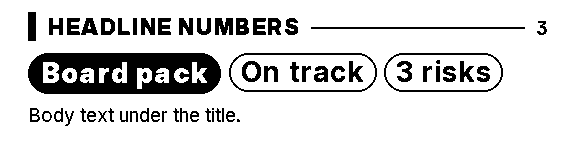
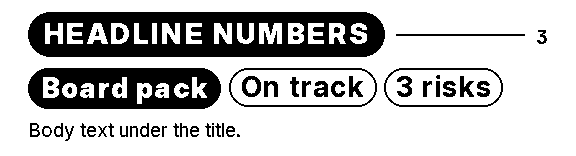
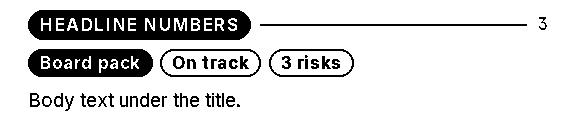
Thermal heat bleeds into small white-on-black type, so section titles print as dark capitals with a rule, filled chips print dark with a dot, nothing prints white on black under 20-dot capitals, and handwriting never prints under 20 dots. tune: in a document, or --tune key=value,..., changes that for one document.
Key
Default
Other values
What it does
section
rule
tab · bar · outline · bold · pill
Section titles: a rule, a heavy underline tab, a left bar, an outlined pill, a bigger knockout pill, or the old small black pill.
chip
dot
heavy · bold · solid
Filled chips: a dot before dark text, a heavy outline, a bigger knockout, or the old small knockout.
knockout
20
dots, 0 for off
The smallest white-on-black capital. Blocks print dark or bigger below it; anything left warns.
hand
20
dots, 0 for off
The smallest handwritten size; Caveat under 28 dots switches to Playpen.
rule
section: rule, chip: dot (the default)
tab
section: tab, chip: heavy
bar
section: bar, chip: bold
outline
section: outline, chip: heavy
bold
section: bold, chip: bold
pill
section: pill, chip: solid, knockout: 0, hand: 0 (the old look)
Templates are YAML documents with params. The built-ins are also shortcut commands. Params come from bare words, key=value, --key value, flags, a data file (-d day.json, or -d - for stdin) and --example NAME. Later sources win, and values that look like YAML lists are lists.
$spooligantemplates
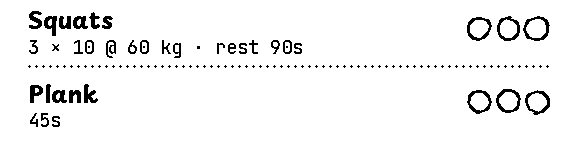
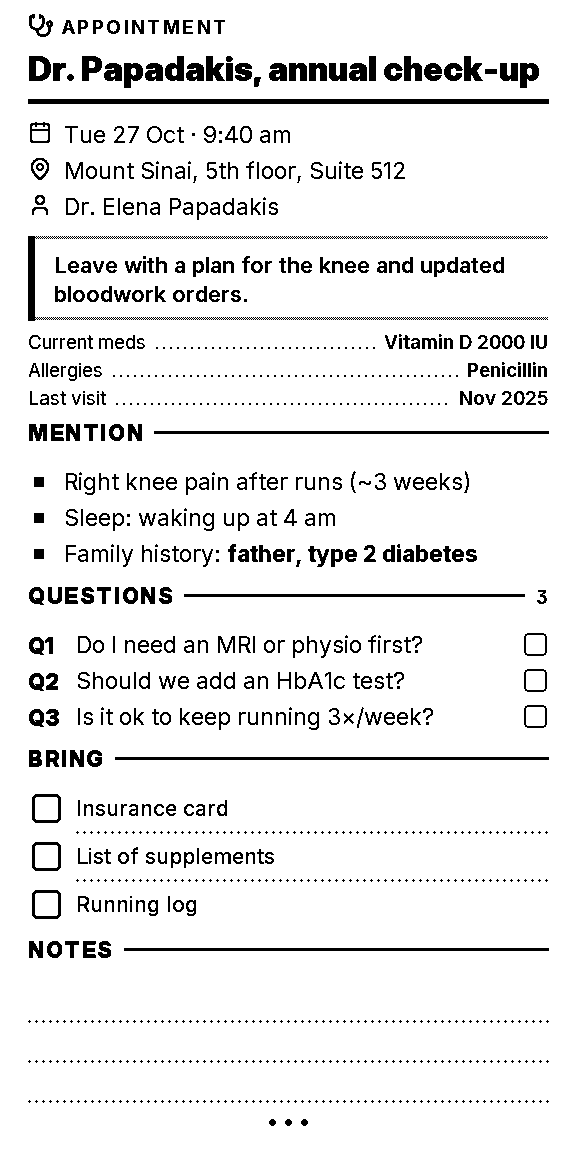
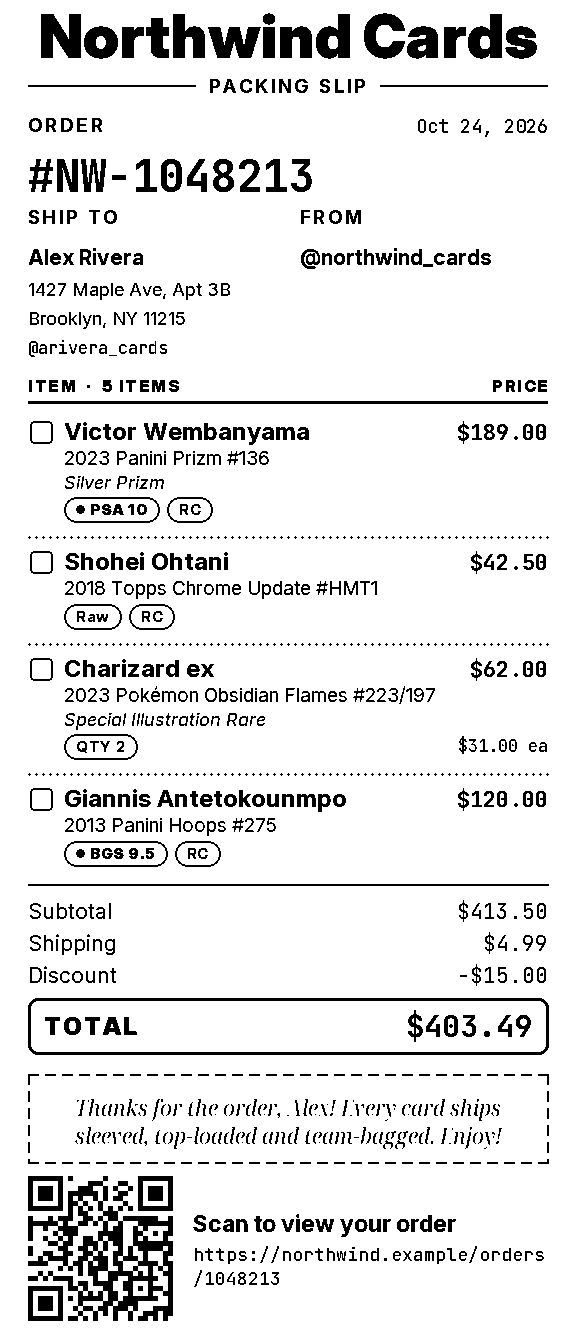
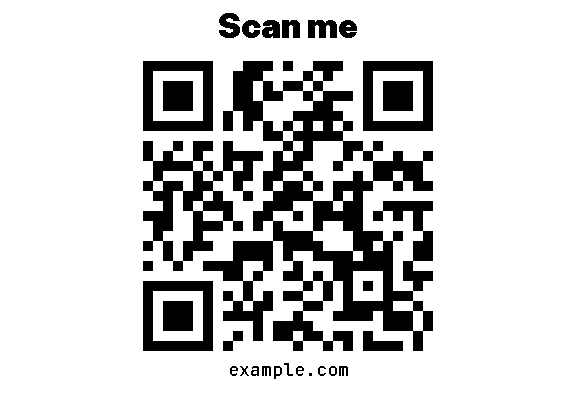
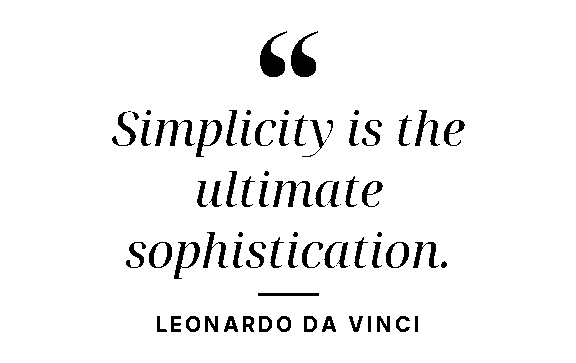
banner built-in Huge sideways lettering along the paper for a sign or a party bannercrib built-in A crib sheet for a meeting or appointment, with who, when and where, a goal, key facts, talking points, questions, things to bring and lines for notesdoc built-in A header, any blocks you like, and a closing linejoke built-in A joke with the punchline under a zigzag, upside down if you likelist built-in A shopping or to-do list with tick boxes, optional sections, quantities, notes and done marksmessage built-in A short message or letter with a signaturenote built-in Big text set as large as it fits, for a door, the fridge or a deskpacking_slip built-in A packing slip with your logo from a brand kit, the order number, ship-to and from, items with chips and prices, totals, a note and a QR code to the orderqr built-in A QR code with an optional title and captionquote built-in A pull quote in big serif italics, set to fit, with who said itshopping built-in list with kind=shoppingsteps built-in Step-by-step instructions or a recipe, with chips, what you'll need, numbered steps joined by a line, and a tiptext built-in Wrapped text, or set as large as it fits with --bigtodo built-in list with kind=todoworkout built-in A workout of the day, in parts (warm-up, main, finisher), each exercise with sets × reps, load and rest, and a circle to tick per setspooligan templates show NAME lists its params, examples and file; spooligan blocks lists your x- blocks.
$spooligantemplatesshownote
note: Big text set as large as it fits, for a door, the fridge or a desk. Styles are door (a framed sign), fridge (a taped sticky note), alert (an inverted bar) and plain.usage: spooligan note TEXT... [key=value] [--flags]params: text * text The note. Short notes print huge. style door|fridge|alert|plain = door door, fridge, alert or plain. Each is also a flag: --alert. kicker string = @note Small label above, e.g. Back soon. icon string Icon beside the kicker, e.g. clock, bell, house. sub text A smaller line under the big text. from string Signature, e.g. Sam. time date true prints the time now; or any text. max_size integer 1-576 = 150 Largest text size in dots. font auto|sans|condensed|serif|hand = auto Typeface for the big text; auto follows the style. upper boolean = false Print the big text in capitals.examples (spooligan preview note --example NAME): door: {style: door, kicker: Back soon, icon: clock, text: Back in 15 min, sub: "Packages → leave with the concierge", from: Sam, time: "14:30"} fridge: {style: fridge, kicker: Reminder, icon: refrigerator, text: "Take vitamins & drink water", from: Me} quiet: {style: door, kicker: Please knock softly, icon: triangle-alert, text: "Baby sleeping", upper: true, font: condensed} alert: {style: alert, kicker: Do not disturb, icon: bell, text: On a call, sub: "Until 3:30 pm"}
$spooligannote"Back in 15"kicker="Backsoon"--iconclockfrom=Sam-onote.png
wrote note.png (576×576 dots, 72 mm long)
$spooliganlistitems="[milk,eggs,bread]"-olist.png
wrote list.png (576×273 dots, 34 mm long)
$spooliganlist-dday.json-olist.png
wrote list.png (576×277 dots, 35 mm long)
$spooliganpreviewnote--exampledoor
wrote note.png (576×788 dots, 98 mm long)
bannerHuge sideways lettering along the paper for a sign or a party banner.spooligan preview banner --example birthdaycribA crib sheet for a meeting or appointment, with who, when and where, a goal, key facts, talking points, questions, things to bring and lines for notes.spooligan preview crib --example medicaldocA header, any blocks you like, and a closing line.spooligan preview doc --example wifijokeA joke with the punchline under a zigzag, upside down if you like.spooligan preview joke --example jokelistA shopping or to-do list with tick boxes, optional sections, quantities, notes and done marks.spooligan preview list --example shoppingmessageA short message or letter with a signature.spooligan preview message --example messagenoteBig text set as large as it fits, for a door, the fridge or a desk.spooligan preview note --example doorpacking_slipA packing slip with your logo from a brand kit, the order number, ship-to and from, items with chips and prices, totals, a note and a QR code to the order.spooligan preview packing_slip --example cardsqrA QR code with an optional title and caption.spooligan preview qr --example linkquoteA pull quote in big serif italics, set to fit, with who said it.spooligan preview quote --example quotestepsStep-by-step instructions or a recipe, with chips, what you'll need, numbered steps joined by a line, and a tip.spooligan preview steps --example recipetextWrapped text, or set as large as it fits with --big.spooligan preview text --example helloworkoutA workout of the day, in parts (warm-up, main, finisher), each exercise with sets × reps, load and rest, and a circle to tick per set.spooligan preview workout --example strength
Make it yours
Your own templates, blocks and brands
Config layers
Settings come in layers, and the first layer that sets a key wins: flags, then environment variables (SPOOLIGAN_STYLE, SPOOLIGAN_LANG, SPOOLIGAN_PAPER, SPOOLIGAN_PRINTER, SPOOLIGAN_MASCOT), then --config FILE, then the project's .spooligan/ (this folder or the nearest parent), then the global ~/.config/spooligan/, then ~/.config/receipt/config.yaml (printer settings only), then the built-ins. Flags and env beat what a document says; config files only fill in what it leaves out.
$spooliganinit
created ~/.config/spooligan/config.yamlcreated ~/.config/spooligan/README.mdcreated ~/.config/spooligan/templates/created ~/.config/spooligan/blocks/created ~/.config/spooligan/brands/created ~/.config/spooligan/locales/created ~/.config/spooligan/assets/next: edit ~/.config/spooligan/config.yaml, then run spooligan config doctor
$spooliganinit--project
created /private~/my-project/.spooligan/config.yamlcreated /private~/my-project/.spooligan/README.mdcreated /private~/my-project/.spooligan/templates/created /private~/my-project/.spooligan/blocks/created /private~/my-project/.spooligan/brands/created /private~/my-project/.spooligan/locales/created /private~/my-project/.spooligan/assets/next: edit /private~/my-project/.spooligan/config.yaml, then run spooligan config doctor
info env: SPOOLIGAN_OFFLINE sets fonts.offlineok project: /private~/my-project/.spooligan/config.yamlok /private~/my-project/.spooligan/templates/standup.yaml: template loadsok /private~/my-project/.spooligan/blocks/card.yaml: block loadsok /private~/my-project/.spooligan/brands/northwind.yaml: brand loadsok global: ~/.config/spooligan/config.yamlok printer: default printer desk (file:/private~/my-project/.spooligan/spool.bin)no problems found (doctor never contacts a printer; spooligan printer status does)
Templates
A config layer's templates/ folder holds your templates; one named like a built-in replaces it. A template is a YAML file with kind: template, params: and blocks that use {{param}}, plus three small tools: each, if and !join.
$spooligantemplatesejectnote
wrote /private~/my-project/.spooligan/templates/note.yaml (a copy of the built-in, project layer)try: spooligan preview note --example door -o note.png
version:1kind:templatename:standupdescription:My own template. Edit the params and blocks; spooligan blocks lists what you can use.positional:itemsparams:title:{default:standup,desc:"The heading."}items:{type:list,desc:"One line each."}note:{type:text,desc:"A line at the bottom."}blocks:-{type:header,title:"{{title}}",meta:"{today}"}-{type:checklist,if:items,items:"{{items}}"}-{type:callout,if:note,text:"{{note}}"}-{type:end}examples:hello:{title:Hello,items:[Write a template,Preview it,Print it],note:"spooligan templates show standup"}
x- blocks
A layer's blocks/ folder holds x- blocks: small templates that stand in for a run of blocks, used as {type: x-NAME, ...} with the template's params as the other keys. They can use each other, up to 8 deep.
$spooligantemplatesnewx-card
wrote /private~/my-project/.spooligan/blocks/card.yaml (a starter, project layer)use it in a document as {type: x-card, title: ...}
.spooligan/blocks/card.yaml
version:1kind:templatename:x-carddescription:"A card with a title, a line of text and an optional icon. Use it as {type: x-card, title: ...}."params:title:{type:string,required:true}text:{type:text}icon:{desc:"An icon name, e.g. star (spooligan icons lists them)."}blocks:-type:framestyle:doubleblocks:-{type:kicker,if:icon,text:"{{title}}",icon:"{{icon}}"}-{type:heading,if:"!icon",text:"{{title}}"}-{type:text,if:text,text:"{{text}}"}
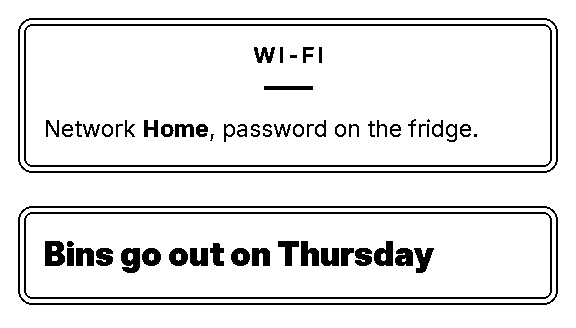
cards.yaml
version:1blocks:-{type:x-card,title:Wi-Fi,icon:wifi,text:"Network **Home**, password on the fridge."}-{type:x-card,title:Bins go out on Thursday}
Brand kits
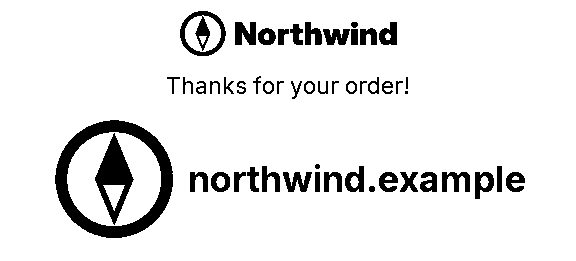
A brand kit is brands/NAME.yaml in any config layer, with its images beside it. Set brand: on the document (or a logo block): {type: logo} prints the logo, show: mark the small mark with the URL, show: name the name in type. config doctor checks every kit.
The mark prints 128 dots square on 80 mm and 96 on 58 mm. Export it at those sizes as NAME-128.png and NAME-96.png next to the mark file (acme-mark-128.png for mark: acme-mark.png) and each prints dot for dot; otherwise the mark file is scaled to fit.
The logo prints 300 dots wide on 80 mm, scaled down on 58 mm. To fill the paper, export it at the full paper width as NAME-576.png (80 mm) and NAME-384.png (58 mm) next to the logo file: {type: logo} then prints the file for the paper dot for dot, edge to edge, ignoring the page margins, so draw the side margins into the file. A width: on the block, a logo inside a row or frame, or a kit without the files keeps the usual size.
.spooligan/brands/northwind.yaml
# A fictional brand kit for the golden tests. Real kits live in brands/NAME.yaml in any config layer.name:Northwindlogo:northwind-logo.pngmark:northwind-mark.pngtagline:Thanks for shopping with usurl:northwind.example
branded.yaml
version:1brand:northwindblocks:-{type:logo,width:220}-{type:text,text:Thanks for your order!,align:center}-{type:logo,show:mark}
The mascot is swappable too: --mascot FILE, SPOOLIGAN_MASCOT or mascot: in the config replaces spooligan:mascot everywhere. hello prints it one pixel per dot (up to the paper width) on both papers, so a black-and-white PNG about 256 dots wide prints sharpest.
Everywhere
Languages and fonts
lang: (or -l) sets the labels and dates. English and Greek ship complete; Spanish is partial, and a missing label falls back to English key by key. Your own locales/ folder can add more.
The bundled fonts cover Latin, Greek and Cyrillic. For other scripts Spooligan borrows a glyph one character at a time: from the other bundled fonts, then fonts.scripts, then fonts.fallback, then the system fonts. fonts fetch downloads pinned, checksummed Noto fonts; --offline and fonts.mirror cover machines that can't download them.
$spooliganfontswhich"Ångström Γειά Привет"
Latin sans ÅöCommon sans ngstrmGreek sans ΓειάCyrillic sans Привет
A character no font has prints as a box with a warning; --strict makes it exit 5.
$spooligantext"こんにちは"--strict-n
spooligan: --strict: no font has こ U+3053, ち U+3061, に U+306B, は U+306F, ん U+3093; they print as boxes. add a font for Chinese or Japanese text to fonts.scripts.han or fonts.fallback in the config
exit 5
Right to left. Hebrew and Arabic text is ordered with the Unicode bidi algorithm and Arabic letters join. Mirrored block layouts are being reworked, so this manual keeps to the basics for now.
Language demo · --lang el
spooligan fonts
$spooliganfonts
Bundled (always there) Inter, Noto Serif Display, Noto Sans Condensed, JetBrains Mono, Playpen Sans, CaveatDownloadable (spooligan fonts fetch NAME|SCRIPT|all) noto-sans-hebrew hebrew v3.001 37 KB not installed noto-sans-arabic arabic v2.013 281 KB not installed noto-sans-thai thai v2.002 44 KB not installed noto-sans-devanagari devanagari v2.007 363 KB not installed noto-sans-bengali bengali v3.011 205 KB not installed noto-sans-tamil tamil v2.004 95 KB not installed noto-sans-armenian armenian v2.008 41 KB not installed noto-sans-georgian georgian v2.005 73 KB not installed noto-sans-ethiopic ethiopic v2.102 568 KB not installed noto-sans-symbols2 symbols v2.008 660 KB not installedInstalled in ~/Library/Application Support/spooligan/fonts
Before it prints badly
Lint warnings
A document that renders can still print badly. Rendering lints it and prints warnings; they never stop a print. -n lints without writing anything.
Warning
When
QR modules are 2 dots wide
The code is too small for its data to scan reliably.
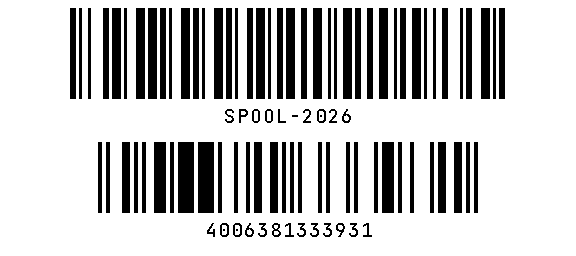
barcode bars are 1 dot wide
Code 128 data too long for the width.
the text only fits at the smallest size
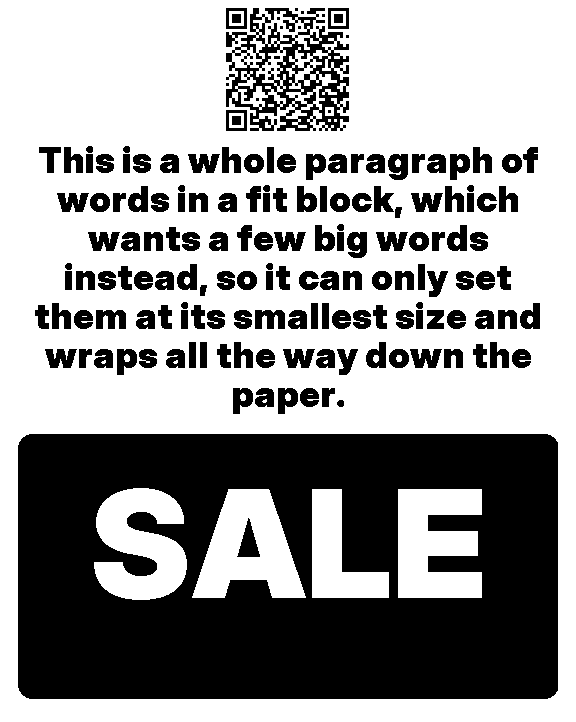
A fit block holds a paragraph, not a few big words.
N mm of solid black
12 mm or more of unbroken black across most of the width; long fills print faded and can stick to the head.
small white-on-black text
An inverted frame or bar with capitals under the knockout floor.
no glyph for …
A character no font in the chain has.
$spooliganprintlint.yaml-n
warning: blocks[1]: the text doesn't fit 6 lines even at 36 dots; shorten it or allow more lineswarning: blocks[2]: 13 mm of solid black; long fills can print faded or streaky and stick to the head (use an outline or a lighter block)ok: lint renders (576×722 dots, 90 mm long)
Design by tapping
Studio
spooligan studio designs a receipt in the browser. The binary serves the page itself, with nothing from the network, and the receipt on screen is the real renderer's output, dot for dot. It works on a phone as well as a desktop.
spooliganstudioday.yaml
Add blocks from the palette, or ready-made sections such as a report top, a KPI strip or a shop footer. The + buttons between blocks pick where they go.
Click any text to change it where it's printed, including text inside a row, a frame or a turned block. On a phone, the first tap picks the block and the second edits. Fields lists everything the block takes, from the schema, and opens the inner block for text inside another.
Names match the palette everywhere (Receipt header, Numbered list), with the YAML type small beside them. Document settings holds the reading direction: Auto, Left to right or Right to left.
Move blocks with Up and Down, the drag handle or a long press, or drag new ones in from the palette (on a phone, hold, then drag). Undo and redo keep up.
YAML changes both ways and keeps your comments. Modern/Handwritten and 80/58 mm are one tap.
File: start blank, from a template or a YAML file; save, save as a template, download YAML or a PNG, or copy the command that prints it.
Tabs: each browser tab edits one file, named in its address (/?file=receipts/day.yaml), its header and its title, and Save writes that file and no other. Open a file… lists the YAML files in the studio's folder and its subfolders and opens one in a new tab, or here; New file… makes an empty one. Import a copy… opens a file from anywhere as an untitled copy, and Save then asks for a name (Save as…) and asks again before it replaces a file. The same file in two tabs says Also open in another tab.
One studio: spooligan studio other.yaml while a studio is running for that folder opens the file there in a new tab instead of starting another; --new starts a separate one.
Edits from elsewhere, such as an agent changing the file, reload in the open tab, and Save warns before it would overwrite changes made on disk.
Print asks first and names the printer and its paper.
Each block gets an id: the first time you add or move one, and the handwritten strokes follow the id, so a block keeps its look when it moves. Blocks without an id draw as they always did.
The studio's folder is the one you start it in, or the file's own folder when the file lives elsewhere. Tabs open and save only .yaml and .yml files inside it; hidden files aren't listed, and paths that lead out of it are refused.
Important The studio listens on 127.0.0.1, and the link it prints carries a random token that every request needs. --lan makes it reachable from a phone on the same network: it prints a warning and a link per address, and anyone with the link can edit, save and print. --port N picks the port (7878, or a free one) and --no-open skips opening the browser.
On paper
Printing and config
Without -o a receipt goes to the default printer from the config. Transports are usb, network, serial, cups, file and windows. Jobs are raster only (ESC @, GS v 0 bands, feeds and the cut) and never contain speed, density or buzzer commands.
# ~/.config/spooligan/config.yamlprinter:desk # the default for print and the shortcutsprinters:desk:{type:usb,vendor_id:0x0483,product_id:0x5840}kitchen:{type:network,host:192.168.1.40,paper:58}dump:{type:file,path:./spool.bin}# relative to this fileoutput:{cut:true,feed_after:0}
$spooliganprinterlist
* desk file:/private~/my-project/.spooligan/spool.bin project kitchen file:/private~/my-project/.spooligan/kitchen.bin 58 mm project
$spooliganprintday.yaml
printed day on desk (file:/private~/my-project/.spooligan/spool.bin) (576×515 dots, 64 mm long)
$spooliganprintday.yaml-Pkitchen
printed day on kitchen (file:/private~/my-project/.spooligan/kitchen.bin) (576×515 dots, 64 mm long)
$spooliganprintday.yaml-oday.bin
wrote day.bin (576×515 dots, 64 mm long)
$spooliganprintersendday.bin-Pkitchen
sent day.bin to kitchen (file:/private~/my-project/.spooligan/kitchen.bin) (37110 bytes)
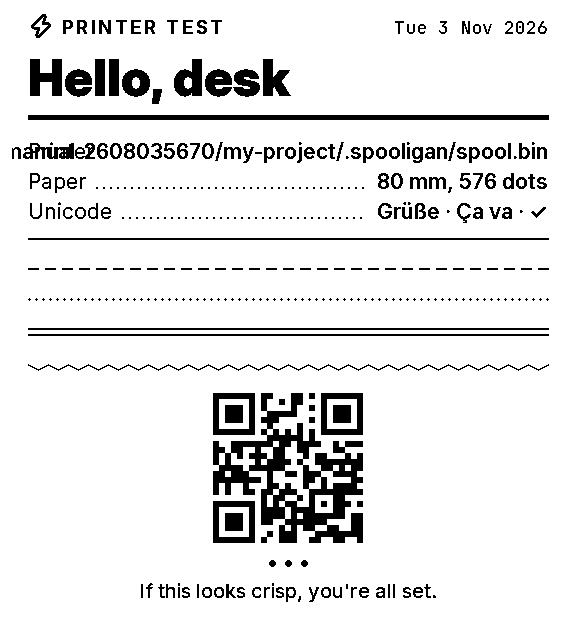
$spooliganprintertest-otest.png
wrote test.png
Tip Also: spooligan printer setup finds a USB receipt printer and saves it as the default (it changes nothing when one is set up), spooligan printer list --scan lists USB printers and their ids, and spooligan printer status NAME reads the paper sensor (exit 3 when the paper is out). spooligan printer buzzer off turns a NETUM NT-861's beeps off (on brings them back): it is the only command that writes a setting into a printer, runs only on a printer it knows is a NETUM, shows the bytes and asks first (-n sends nothing). Power-cycle the printer afterwards. For USB debugging, SPOOLIGAN_USB_TRACE=1 logs every transfer and SPOOLIGAN_USB_DUMP=FILE saves the bytes the printer acknowledged.
What's new
Updates
spooligan update --check says whether a newer Spooligan is out: Spooligan 0.2.0 is out (you have 0.1.0): run spooligan update, or Spooligan 0.1.0 is up to date. spooligan update installs it, and spooligan update -n says what it would do without changing anything. It reads a small release note from spooligan.ai and believes it only when its signature matches the release key built into Spooligan, so a damaged or forged note is ignored. It sends nothing about you or your computer. When a release has notes, it links them under "What's new"; not every release does.
When you use Spooligan at a terminal, it also checks at most once a day, in the background while your command runs, and tells you after the command when there's something new: Spooligan 0.2.0 is available (you have 0.1.0). Run: spooligan update, with a "What's new" link when the release has notes. It never slows a command down noticeably: on a slow connection the check finishes in the background after the command, and the next command tells you. It says nothing when it can't reach spooligan.ai, and tries again an hour later. It stays quiet in pipes, scripts and --json output, and you can turn it off with update_check: false in your config or SPOOLIGAN_NO_UPDATE_CHECK=1; it's off when CI is set.
Before anything is replaced, the download must match the size and SHA-256 in the release note, carry Spooligan's Developer ID signature on a Mac, and run as the new version. The old copy is kept as spooligan.old, and the new one takes its place in one step, so a failed update leaves the old one working. spooligan update --rollback puts the previous version back, and running it again switches forward.
If Spooligan is in a folder you can't write, such as /usr/local/bin, it says why and asks Installing into /usr/local/bin needs your password. Continue? [y/N]. Yes runs only the file steps with sudo, which asks for your password itself; --yes skips the question, and without a terminal it changes nothing and tells you what to run. A copy installed with Spooligan.pkg is updated with the new signed package (sudo installer) and has no rollback; for an older version, use the download page. A copy from Homebrew is left to brew upgrade spooligan.
It exits 0 when it's done or you're up to date, 10 when a newer release is out (--check, -n), 6 when spooligan.ai can't be reached, 7 when the note can't be trusted, 8 when the download fails a check (nothing changes) and 9 when it needs you (you said no, or there's no terminal to ask). --json gives status (up_to_date, update_available, newer, installed or rolled_back), current, latest, released and, when there are notes, notes_url.
Releases
0.1.1
Update checks wait longer on slow connections, and the daily notice still finds a new release when connecting is slow.
0.1.0
The first release.
Every command and flag
CLI reference
From spooligan --help at generation time.
Commands
print SRC [params]
print a document, template file or built-in template (or -o FILE)
preview SRC [params]
render to SRC.png, or -o FILE
validate SRC...
check documents; exit 2 if any is invalid
blocks [TYPE]
list block types, or one type's fields
schema [TYPE]
the JSON Schema for documents, or one block
templates [show NAME]
list built-in templates, or one template's params
demo [NAME|all]
list the demos, or print one: together they show every block
hello
print a hello page with the mascot (--mascot FILE swaps it)
styles
list styles
icons
list icon names for icon: fields
fonts [list]
bundled fonts and the Noto packs you can fetch
fonts which TEXT
which font draws each script in TEXT
fonts doctor
check fonts.scripts, fonts.fallback and fetched packs
fonts fetch SCRIPT...
download pinned, checksummed Noto fonts (hebrew, thai, ... or all)
fonts mirror DIR
copy the packs into DIR, for fonts.mirror on machines without internet
licenses [NAME]
third-party fonts, icons and modules, or one licence in full
printer setup
find the USB receipt printer and make it the default
printer [list|status|test|send|buzzer]
configured printers (--scan for USB), paper status, a test page, a .bin file; buzzer off|on turns a NETUM NT-861's beeps off or on (see printer buzzer --help)
init [--project]
write a commented config to ~/.config/spooligan or ./.spooligan
config [which|doctor|path|migrate]
where each setting comes from; check the config files
studio [FILE]
design a receipt in the browser, on 127.0.0.1 (--port N, --no-open; --lan for your phone, with a token in the link)
update [--check|-n]
install the newest release (--check: only say if one is out; -n: show what it would do)
update --rollback
go back to the version the last update replaced
agents [TOPIC]
the guide for AI agents, or one topic of it (--list the topics, --all everything; also help agents)
help [COMMAND [SUB]]
this summary, or one command's help (also COMMAND --help or -h)
note list todo shopping text qr message quote joke doc crib steps workout banner packing_slip
shortcuts for spooligan print NAME (packing-slip works too)
Flags
-o, --output FILE
write FILE.png (a picture) or FILE.bin (ESC/POS bytes) instead of printing; - is stdout
-P, --printer NAME
a printer from printers: in the config (SPOOLIGAN_PRINTER)
--no-cut
don't cut after the job
--screen
with -o FILE.png: the same layout for screens, 3 pixels a dot in smooth gray; never printed
--config FILE
use this config file (SPOOLIGAN_CONFIG)
--project-dir DIR, --no-project
choose or skip the .spooligan/ project folder
-n, --dry-run
render and lint, write nothing
-s, --style NAME
modern or handwritten (hand)
--seed TEXT
another hand for the handwritten strokes; the same seed draws the same lines
-l, --lang TAG
labels and dates in a language, e.g. el
--dir rtl|ltr|auto
reading direction; rtl mirrors the layout (auto: from lang or the first letters)
-p, --paper MM
80 or 58
-d, --data FILE
template params from a YAML or JSON file, or - for stdin
--example NAME
start from one of the template's examples
--tune KEY=VALUE,...
legibility settings: section=rule|tab|bar|outline|bold|pill, chip=dot|heavy|bold|solid, knockout=DOTS, hand=DOTS (0 turns a floor off; see the guide)
--mascot FILE
a picture to use for spooligan:mascot (SPOOLIGAN_MASCOT, mascot: in the config)
key=value, --key value set one template param; [a, b] is a list
--offline
never download fonts (SPOOLIGAN_OFFLINE); a local fonts.mirror folder still works
Printer: none set up, can't connect, or the paper is out
4
Input, such as a missing file
5
Missing glyphs with --strict
6
update: spooligan.ai can't be reached
7
update: the release note can't be trusted
8
update: the download failed a check; nothing changed
9
update: nothing installed because it needs you
10
update --check or -n: a newer release is out
The full --help
spooligan prints blocks on thermal paper. spooligan note "Back in 5" print on the default printer spooligan note "Back in 5" --alert -o note.png or write a picture; --fridge, --plain spooligan list milk eggs --title Groceries -o list.png spooligan todo "Call Sam" "Pay rent" -o todo.png spooligan print brief.yaml -o brief.png any document or template file spooligan preview note --example door render an example to note.pngcommands print SRC [params] print a document, template file or built-in template (or -o FILE) preview SRC [params] render to SRC.png, or -o FILE validate SRC... check documents; exit 2 if any is invalid blocks [TYPE] list block types, or one type's fields schema [TYPE] the JSON Schema for documents, or one block templates [show NAME] list built-in templates, or one template's params demo [NAME|all] list the demos, or print one: together they show every block hello print a hello page with the mascot (--mascot FILE swaps it) styles list styles icons list icon names for icon: fields fonts [list] bundled fonts and the Noto packs you can fetch fonts which TEXT which font draws each script in TEXT fonts doctor check fonts.scripts, fonts.fallback and fetched packs fonts fetch SCRIPT... download pinned, checksummed Noto fonts (hebrew, thai, ... or all) fonts mirror DIR copy the packs into DIR, for fonts.mirror on machines without internet licenses [NAME] third-party fonts, icons and modules, or one licence in full printer setup find the USB receipt printer and make it the default printer [list|status|test|send|buzzer] configured printers (--scan for USB), paper status, a test page, a .bin file; buzzer off|on turns a NETUM NT-861's beeps off or on (see printer buzzer --help) init [--project] write a commented config to ~/.config/spooligan or ./.spooligan config [which|doctor|path|migrate] where each setting comes from; check the config files studio [FILE] design a receipt in the browser, on 127.0.0.1 (--port N, --no-open; --lan for your phone, with a token in the link) update [--check|-n] install the newest release (--check: only say if one is out; -n: show what it would do) update --rollback go back to the version the last update replaced agents [TOPIC] the guide for AI agents, or one topic of it (--list the topics, --all everything; also help agents) help [COMMAND [SUB]] this summary, or one command's help (also COMMAND --help or -h) note list todo shopping text qr message quote joke doc crib steps workout banner packing_slip shortcuts for spooligan print NAME (packing-slip works too)flags -o, --output FILE write FILE.png (a picture) or FILE.bin (ESC/POS bytes) instead of printing; - is stdout -P, --printer NAME a printer from printers: in the config (SPOOLIGAN_PRINTER) --no-cut don't cut after the job --screen with -o FILE.png: the same layout for screens, 3 pixels a dot in smooth gray; never printed --config FILE use this config file (SPOOLIGAN_CONFIG) --project-dir DIR, --no-project choose or skip the .spooligan/ project folder -n, --dry-run render and lint, write nothing -s, --style NAME modern or handwritten (hand) --seed TEXT another hand for the handwritten strokes; the same seed draws the same lines -l, --lang TAG labels and dates in a language, e.g. el --dir rtl|ltr|auto reading direction; rtl mirrors the layout (auto: from lang or the first letters) -p, --paper MM 80 or 58 -d, --data FILE template params from a YAML or JSON file, or - for stdin --example NAME start from one of the template's examples --tune KEY=VALUE,... legibility settings: section=rule|tab|bar|outline|bold|pill, chip=dot|heavy|bold|solid, knockout=DOTS, hand=DOTS (0 turns a floor off; see the guide) --mascot FILE a picture to use for spooligan:mascot (SPOOLIGAN_MASCOT, mascot: in the config) key=value, --key value set one template param; [a, b] is a list --offline never download fonts (SPOOLIGAN_OFFLINE); a local fonts.mirror folder still works --json machine-readable output and errors -h, --help help: spooligan --help, spooligan printer buzzer --help, spooligan note -hSRC - reads stdin: a document, or plain text.